Description
The Realme 6 is powered by the MediaTek Helio G90T processor and, depending on the storage variant, uses either eMMC or UFS flash memory. This distinction matters for ISP work because eMMC and UFS use different communication protocols and pad layouts, so identifying the correct storage type before starting is critical.
ISP pinout access on the Realme 6 is used when the device is stuck in a bootloop, won't power on at all, or is locked behind FRP after a reset. By connecting directly to the flash chip's test pads, a technician gains raw access to the storage layer, allowing firmware reads, writes, and partition-level erases that are impossible through normal software channels.
Download Realme 6 ISP Pinout
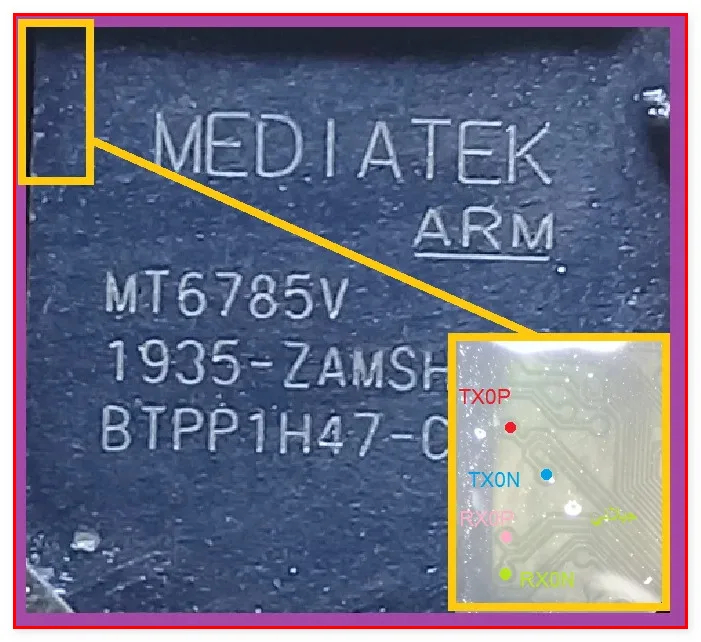
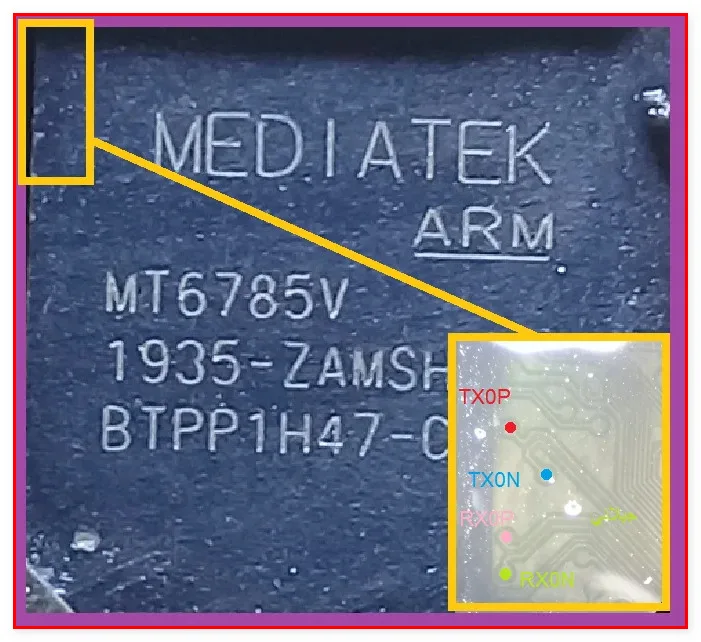
The ISP pinout diagram for the Realme 6 maps the positions of CLK, CMD, DATA0, VCC (3.3V max), VCCQ (1.8V max), and GND on the flash storage chip. For eMMC variants, these six pads follow the standard eMMC bus layout. For UFS variants, the pad count and protocol differ.
Always confirm which storage type your specific Realme 6 unit uses before downloading the corresponding diagram. The pads sit near the mid-frame area on the board's underside and are tightly grouped around the flash package.
How To Reset And Flash With ISP Pinout
After attaching ISP wires to the correct pads on the Realme 6, power the board only through your programmer. Open your flashing software and select the Helio G90T profile matching your storage type (eMMC or UFS). Once the chip is detected, choose your operation.
FRP reset requires erasing only the FRP partition. A full flash overwrites all partitions with a stock ROM file, which is necessary for dead boot recovery. If you selected the wrong storage profile, the tool will fail to detect the chip — switch profiles and try again rather than assuming the chip is damaged.
How To Find ISP Pinout Realme 6
Disassemble the Realme 6 by removing the back cover, disconnecting the battery, and unscrewing the midframe. Lift the motherboard out and flip it. The flash chip sits near the center of the board, often under a small shielding can that needs removal.
Under magnification, locate the ISP pad cluster around the chip package. Match physical landmarks on the board with the diagram's reference points to orient yourself. Test each pad with a multimeter before soldering.
Final Words
ISP pinout work on the Realme 6 requires one extra step compared to single-storage-type devices: confirming whether your board uses eMMC or UFS before starting. Get that right, follow the voltage limits, maintain ESD precautions, and the repair process is reliable and repeatable.

Comments (0)
Be the first to comment.