Description
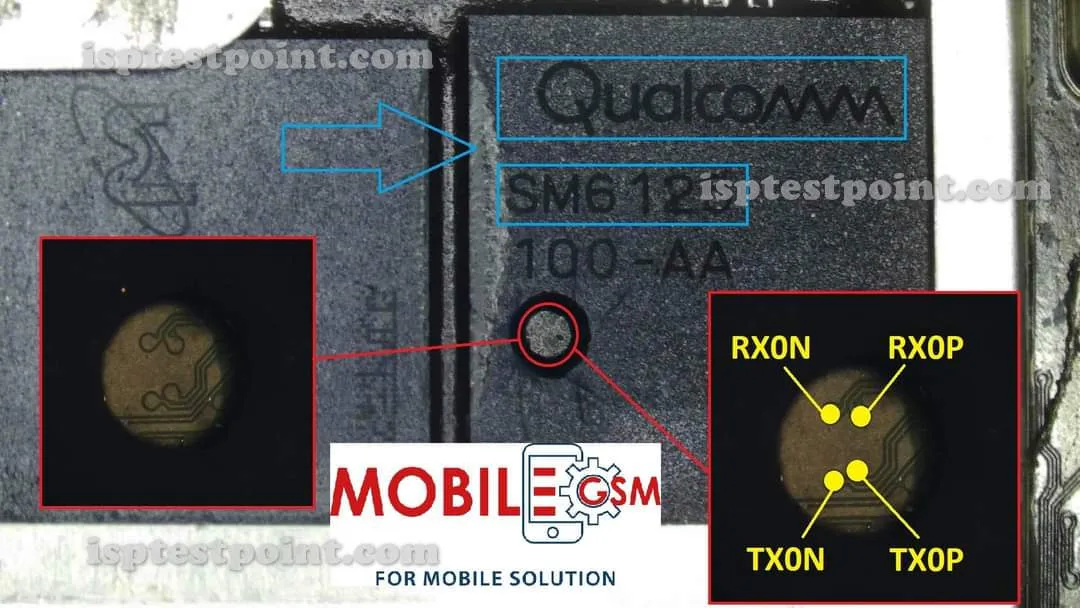
Realme 5s runs the same Snapdragon 665 chipset as its siblings, and its eMMC ISP layout is nearly identical to the standard Realme 5. This access method is used when the device won't boot, when fastboot mode is unreachable, or when a technician needs to clear FRP lock without the original Google account.
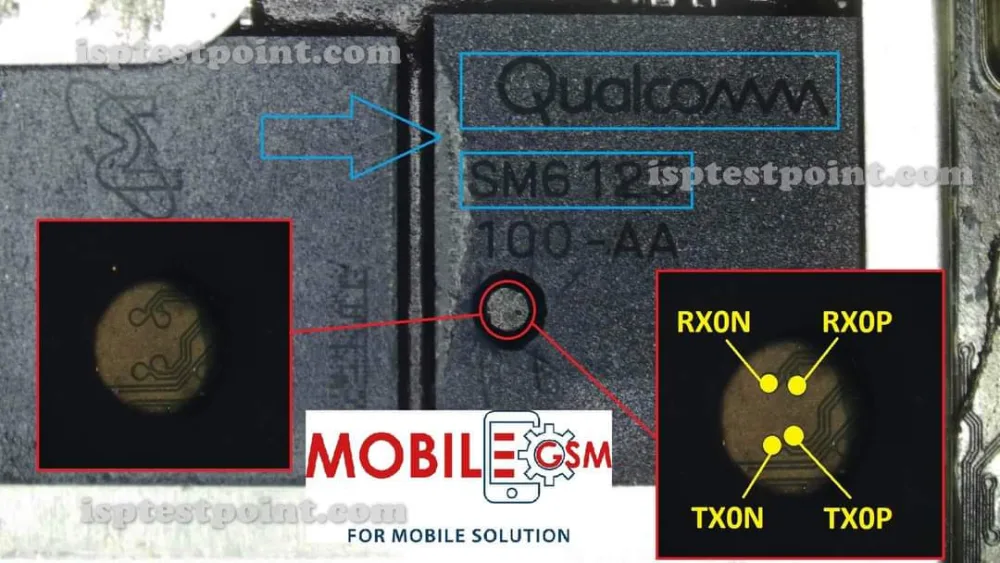
Because it connects straight to the storage chip, ISP repair works even when the software stack is completely unresponsive. The eMMC chip sits near the mid-board area, and the six core ISP pads require magnification and a verified diagram to locate accurately.
Download Realme 5s ISP Pinout
The ISP pinout diagram for the Realme 5s identifies the six essential pads on the eMMC chip: CLK for the clock signal, CMD for command communication, DATA0 for data transfer, VCC for core power (3.3V maximum), VCCQ for I/O voltage (1.8V maximum), and GND for ground reference.
On the Realme 5s, these pads are grouped tightly near the eMMC package and are not labeled on the board itself. Download the diagram from this page and print it at a size large enough to compare directly with the board under magnification — this avoids the common mistake of confusing similarly positioned pads.
How To Reset And Flash With ISP Pinout
With all six ISP connections securely made on the Realme 5s, power the board through your programmer and avoid reconnecting the battery. Select the Snapdragon 665 / eMMC profile in your flashing software and wait for chip detection.
For an FRP reset, erase only the FRP partition through the tool's partition manager — this is the fastest path to removing Google account lock without wiping the entire firmware. For a complete reflash, load a verified Realme 5s stock ROM and write it to the chip in full. The flashing process must not be interrupted. After the tool confirms success, disconnect all wires, reconnect the battery, and boot the phone.
How To Find ISP Pinout Realme 5s
Start by removing the back cover and disconnecting the battery flex cable. Take out all screws and lift the motherboard free from the frame. Flip the board to its back side and locate the eMMC chip near the mid-board area.
Use a digital microscope or jeweler's loupe to inspect the area around the chip for the six ISP pads. They are small, flat, and uncoated compared to the surrounding components. Compare what you see with the downloaded pinout diagram, paying attention to nearby reference components. Confirm each pad with a multimeter before attaching wires.
Final Words
The Realme 5s ISP pinout provides a dependable hardware-level recovery path for bricked, boot-looping, or FRP-locked devices. Accuracy in pad identification and strict adherence to voltage limits are the two factors that determine whether the session succeeds or fails. Always use the latest pinout diagram and work under ESD protection.

Comments (0)
Be the first to comment.