Description
The Realme 5 is powered by the Qualcomm Snapdragon 665 processor paired with eMMC 5.1 flash storage. When this device gets stuck in a bootloop, fails to power on after a software update, or is locked behind FRP with no way to verify the original Google account, standard software tools often cannot reach it. ISP (In-System Programming) pinout access solves this by letting a technician connect directly to the eMMC chip on the motherboard, bypassing the CPU and bootloader entirely.
This method allows full control over the flash storage — reading firmware, writing new data, or erasing FRP partitions — even when the phone's operating system is completely unresponsive. The Realme 5's eMMC pads are located on the underside of the motherboard near the camera module connector, and accessing them requires full disassembly of the device along with proper ESD precautions to avoid damaging sensitive components.
Download Realme 5 ISP Pinout
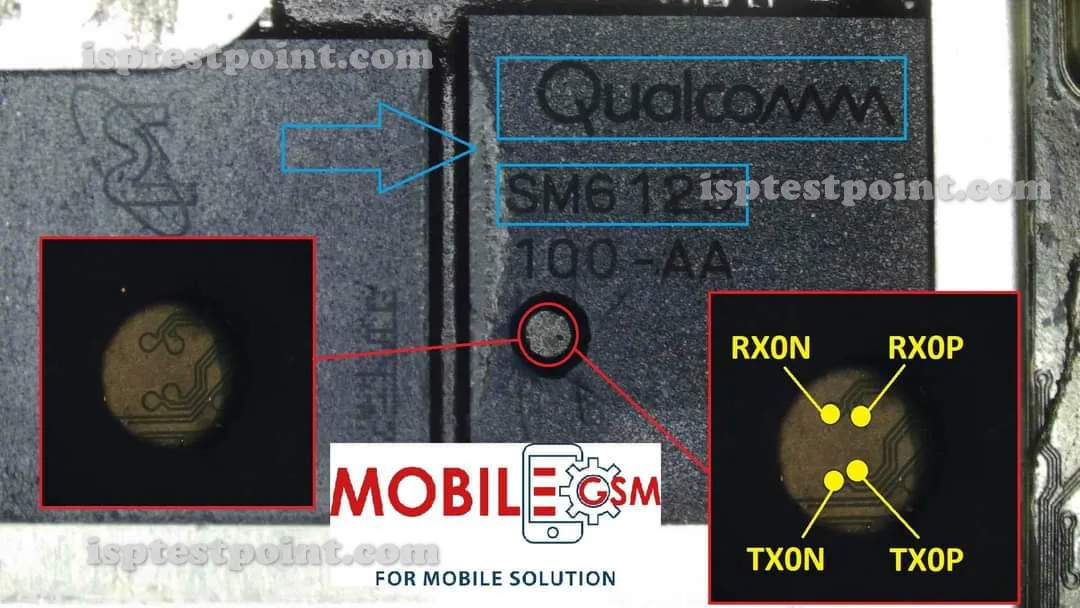
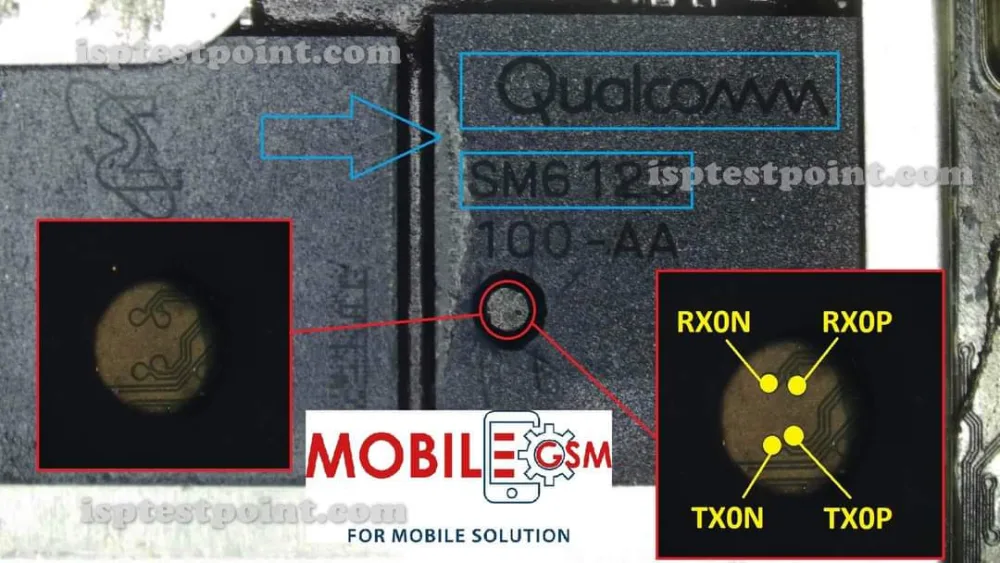
The ISP pinout diagram for the Realme 5 shows the exact locations of six critical pads on the eMMC chip: CLK (clock), CMD (command), DATA0 (data), VCC (core power, maximum 3.3V), VCCQ (I/O voltage, maximum 1.8V), and GND (ground). These pads are unmarked on the PCB silkscreen, so a verified diagram is essential before attempting any connection.
The CLK and CMD pads sit adjacent to each other near the top edge of the flash chip, while DATA0 is positioned slightly lower on the same cluster. VCC and VCCQ are on the opposite side of the chip package, and GND can be taken from the nearest shield can or chassis ground point. Always cross-reference the downloaded diagram against your specific board revision, since Realme shipped the 5 with at least two slightly different PCB layouts during its production run.
How To Reset And Flash With ISP Pinout
Once your ISP wires are connected to the correct pads, power the board exclusively through your programmer tool — never reconnect the battery while ISP wires are attached. Open your flashing software (EasyJTAG Plus, UFI Box, or Z3X) and select the Snapdragon 665 / eMMC chipset profile. The tool should detect the eMMC chip within a few seconds if all connections are solid.
To perform an FRP reset, navigate to the erase or partition manager section of your software and select the FRP partition for deletion — this removes the Google account lock without touching the rest of the firmware. For a full firmware flash, load a tested stock ROM file compatible with the Realme 5, select the write option, and let the process run without interruption. A complete flash typically takes between five and fifteen minutes depending on the file size and your tool's transfer speed.
After the operation finishes, disconnect all ISP wires before reconnecting the battery and powering on the device. The phone should boot to the setup screen if the flash was successful.
How To Find ISP Pinout Realme 5
Finding the ISP pads on the Realme 5 requires full disassembly of the device. Start by removing the back cover using a heat gun or suction cup, then disconnect the battery flex cable immediately. Remove all screws holding the midframe and carefully lift the motherboard out of the chassis.
Flip the board over to expose the underside where the eMMC chip is located, near the camera connector area. You will need a magnifying loupe or digital microscope to see the individual pads clearly, since they are very small and not labeled. The six pads (CLK, CMD, DATA0, VCC, VCCQ, GND) are grouped together in a tight cluster on or around the eMMC package.
Use the downloaded pinout diagram as your visual reference while tracing each pad with a multimeter in continuity mode to confirm you have the right points. Solder 30AWG wires or use a pogo-pin jig for connection — avoid heavy-gauge wire that can pull pads off the board.
Final Words
The Realme 5 ISP pinout is a reliable last-resort method for recovering a bricked device, removing FRP lock, or flashing fresh firmware when all software-based approaches have failed. Always respect the voltage limits (1.8V VCCQ, 3.3V VCC), work under full ESD protection, and inform the customer that ISP operations erase all stored data. With the correct diagram, a steady hand, and a compatible programmer, this repair is straightforward and repeatable.

Comments (0)
Be the first to comment.